How to use
Download and Install
- Download the zip
- Unzip the file
- Click to install Vibes.saver
Setup
- Go to Setting -> Wallpaper -> Screen Saver
- Scroll down to the Other section
- Select Vibes
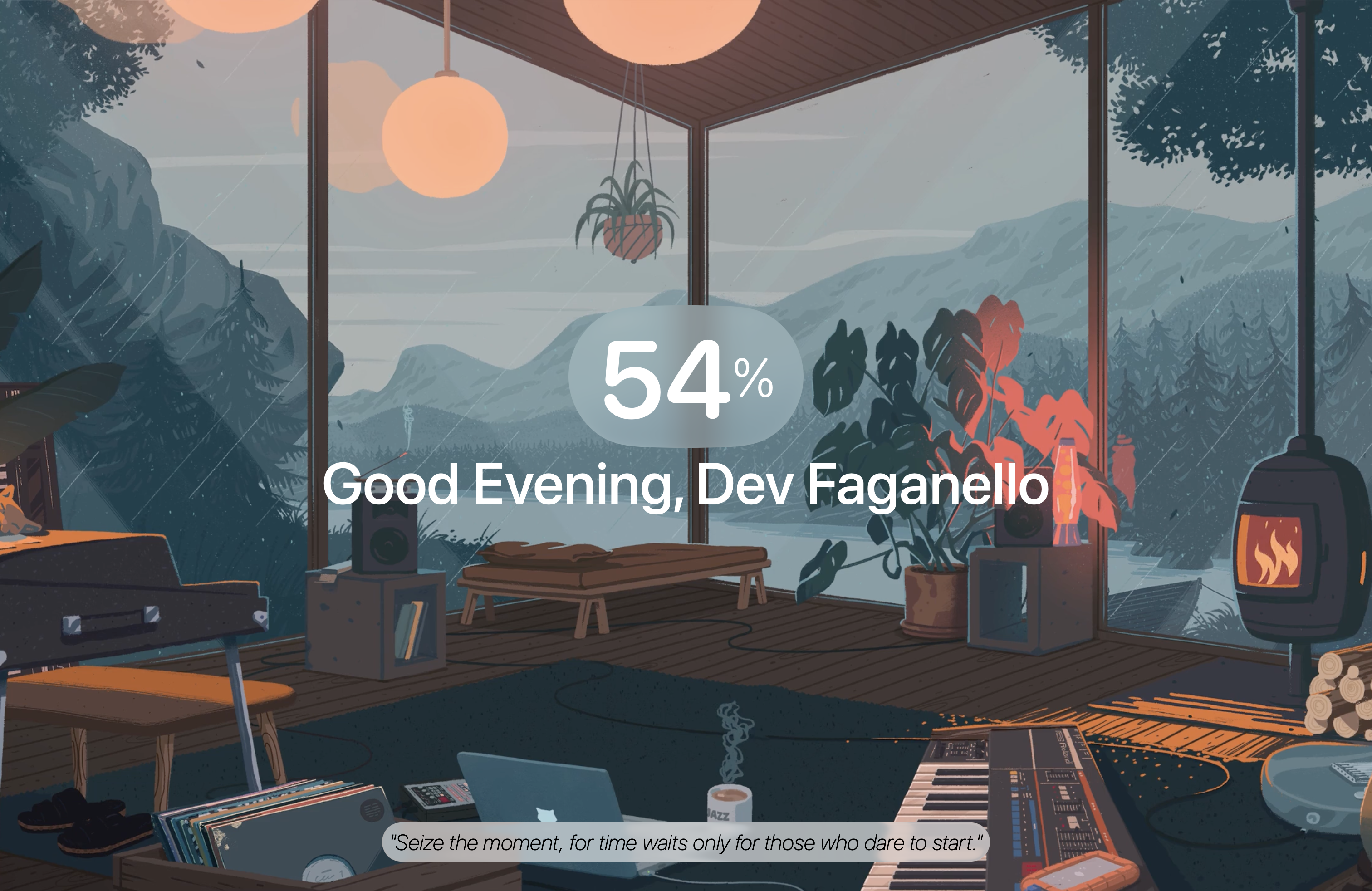
- Configure your focus time and your name
- If you want, hide some informations